 COME
COMECOME Language control versus Android language
COME's Language control and the phone's system language belong to different settings areas. Check which interface you want to change.
Locate the app control
The COME Settings panel shows Language alongside update and sound controls. Read the available choices in your current app rather than assuming every language is supported. A screenshot identifies the control, not an exhaustive list of today's options.
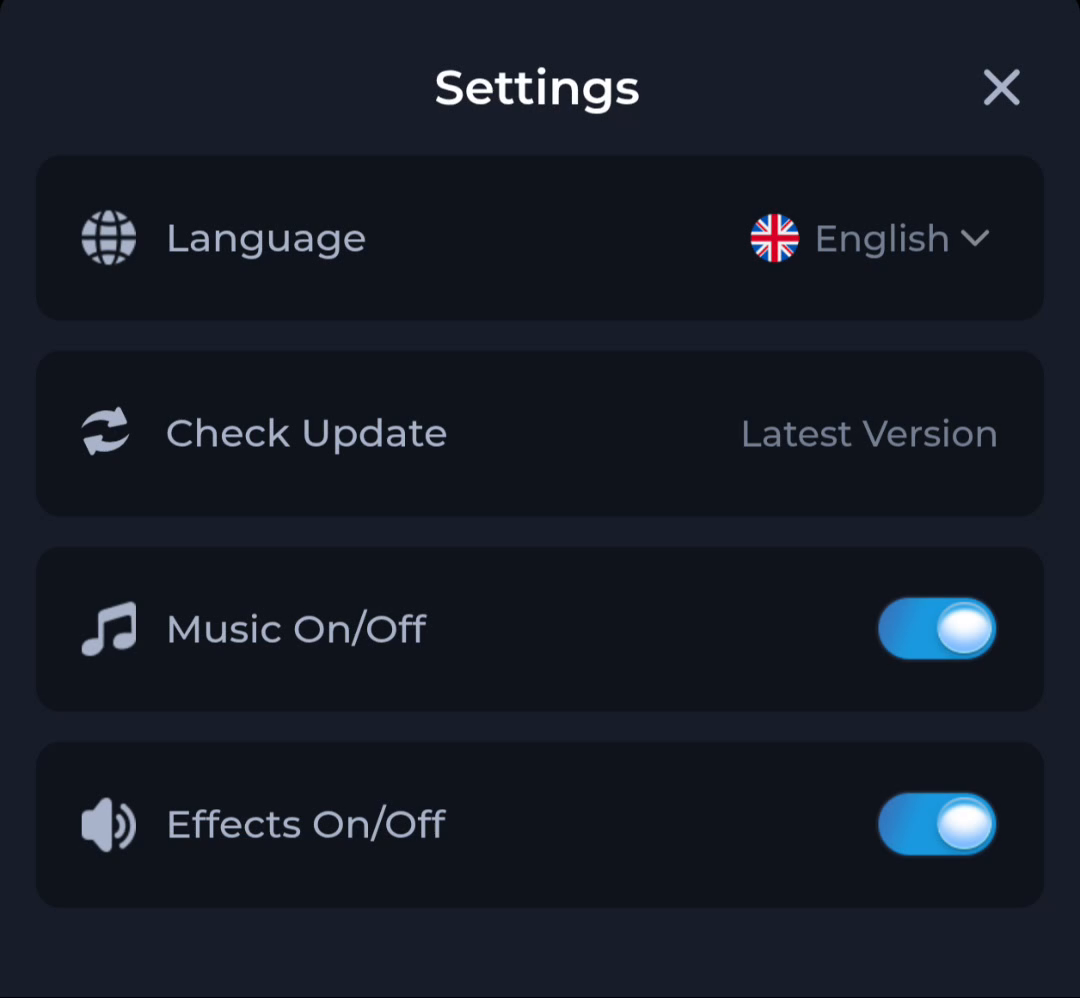
Understand device scope
Changing Android's system language can affect many menus and applications. Changing an in-app preference may affect only that app's interface. Keep a note of the selected option if you need to return to familiar wording.
Do not infer access rights
A language setting is not an age, location or account-eligibility setting. Changing a language should not be treated as a way to obtain a feature unavailable under the service's rules. Read those conditions separately.
A useful next step
Use the control whose scope matches your reading preference, then return to the task you were completing.